Workout counter app
Mark the set the moment you finish it and stop wondering whether you were on your third or your fourth.


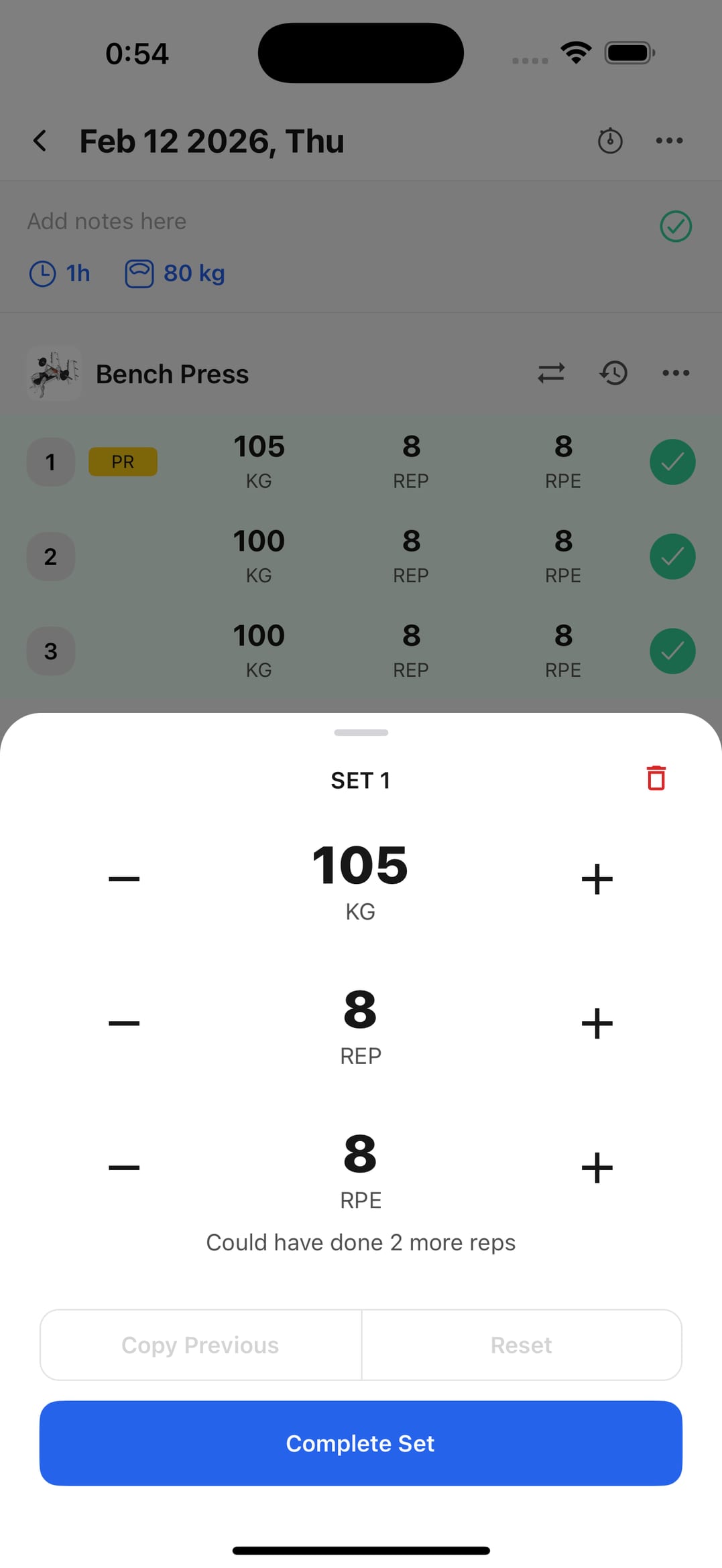
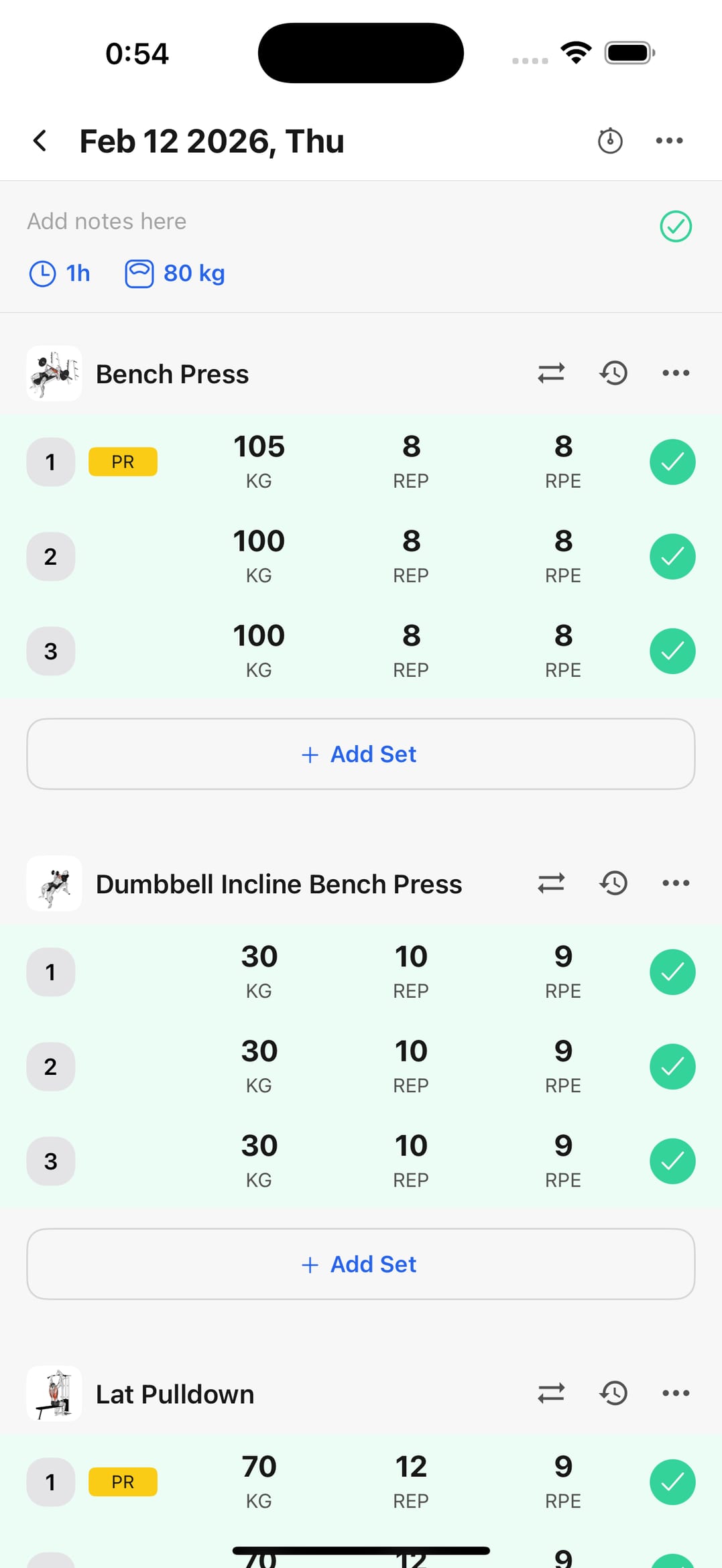
Mark the set the moment you rack the weight
Each set is recorded with its weight and reps right then — which is when you remember it accurately.
No more logging the same set twice
With the session on screen you can see what's done and what's left, instead of trusting your memory ninety seconds into a rest.
Check whether volume is really climbing
Counting sets only helps if you look at the total afterwards. Your history says whether you're doing more work than a month ago or the same as always.
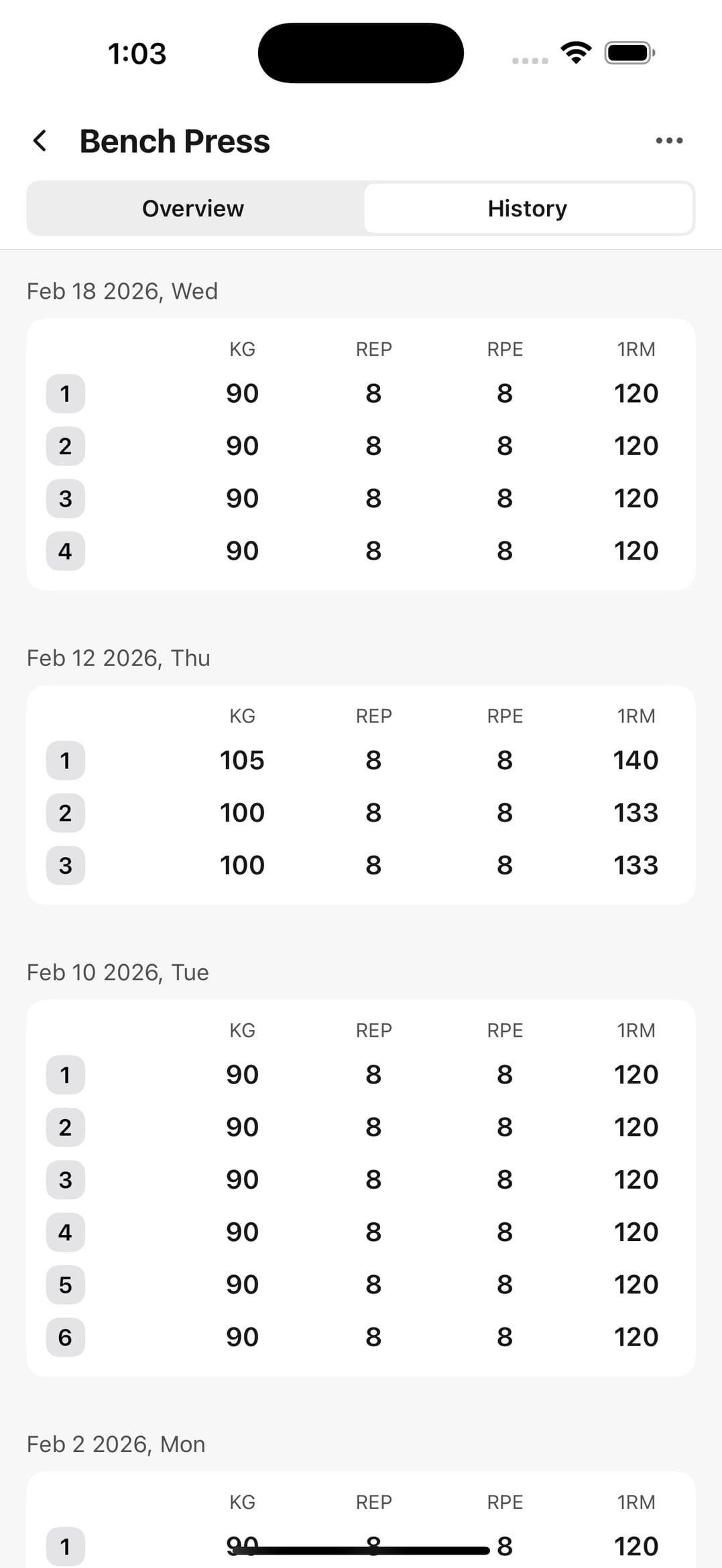
Set and volume tracking
Follow reps and load without it eating into your session.
Set-by-set logging
Reps, weight, and status for every block.
Useful analytics
Volume trends to set your next load against.
Routine templates
Repeat set structures without reconfiguring them.
Session history
Previous records for comparing performance.
Custom exercises
Create variations and keep the logging consistent.
Frequently asked questions
Why use an app to count sets?
Because past the third or fourth set with long rests it's easy to lose count — and because what you record becomes history you can compare sessions against.
Does it work on long sessions with many exercises?
Yes. The whole session stays in view, so you always know which exercise is left and how many sets you've done of each.
Does it handle rest timing too?
Yes, there's a rest timer — which is exactly what makes sets within a session comparable to each other.
How does counting improve my progress?
With exact sets and reps, per-exercise volume is calculated for you, and that's the number that decides whether you add load or hold for another week.
Track your sets starting with today's session
Download on iPhone or Android and record every set accurately. Free to start.