
Apple Health workout app
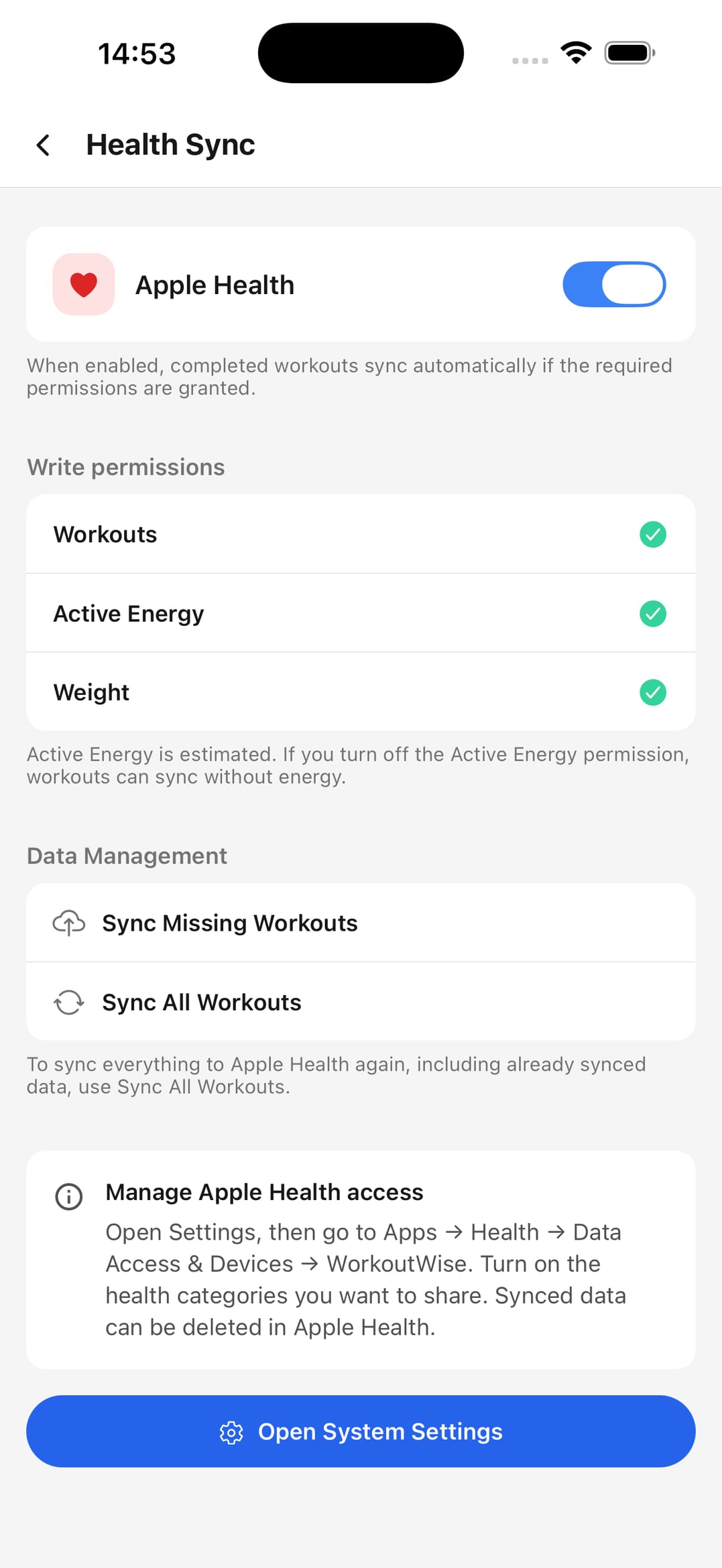
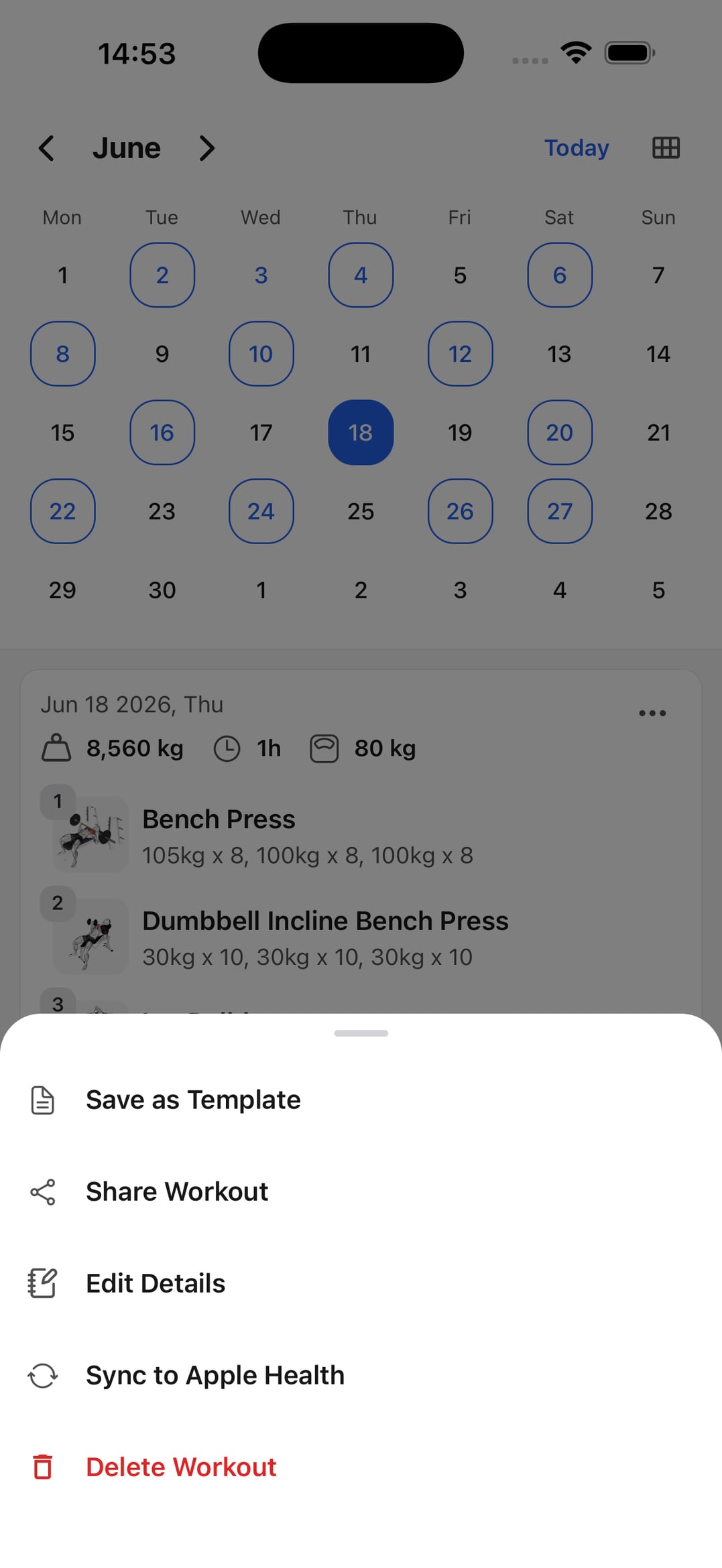
Add completed workouts to Apple Health while keeping exercises, sets, reps, and weights in your WorkoutWise log.


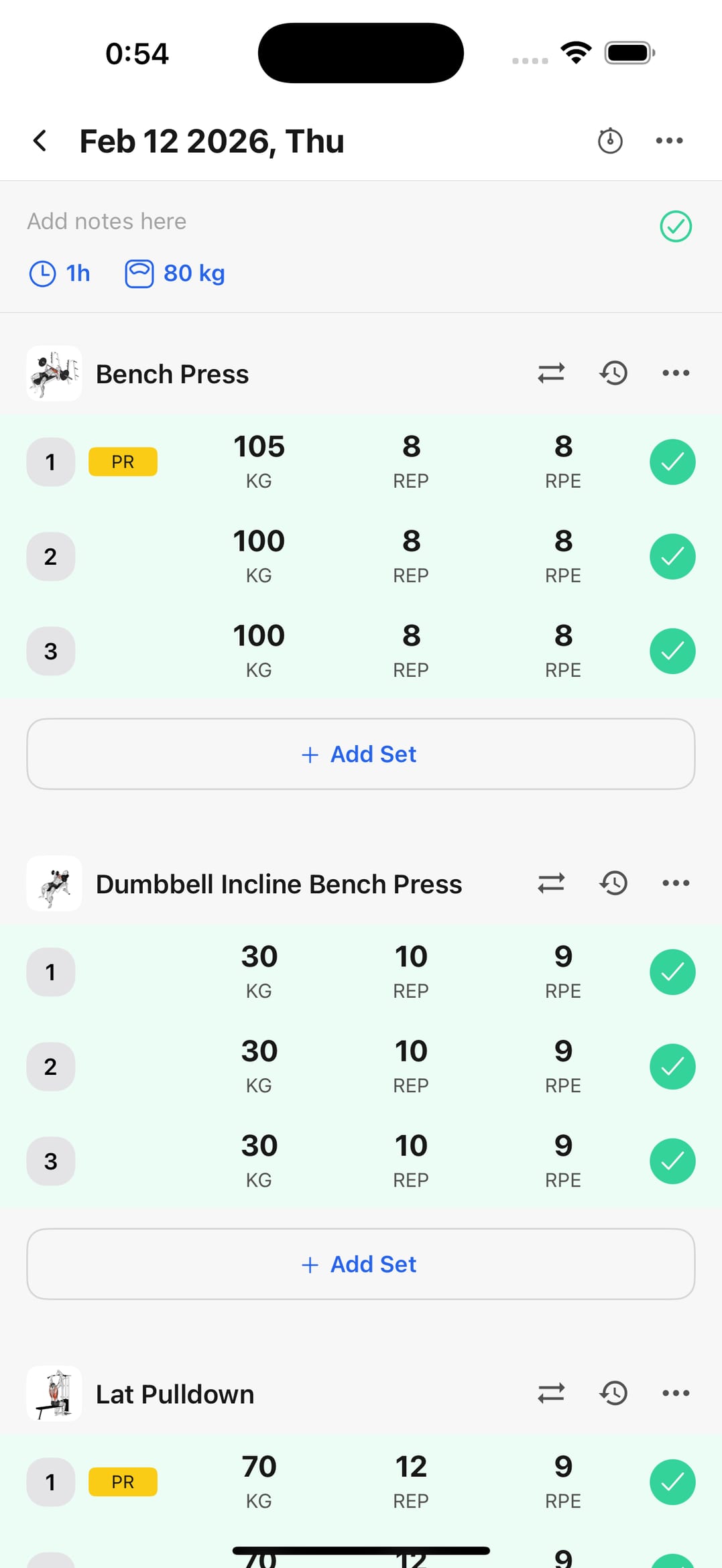
Log the workout before syncing
Record exercises, sets, reps, and weights first, then sync the completed workout to Apple Health.
Sync estimated calories when allowed
If permission is granted, WorkoutWise can include estimated calories with the Apple Health workout.
Keep sharing separate from sync
Use Apple Health for activity history, and share workout summaries as images or text when you need feedback.
Apple Health sync with strength-training detail
Use Apple Health for workout history while WorkoutWise keeps exercise-level detail easy to review.
Workout logs
Save structured sessions before adding them to health history.
Progress analytics
Keep sets, reps, load, and volume visible after syncing.
Calendar history
Review completed workouts by date and training week.
Reusable templates
Repeat common workouts so synced sessions stay consistent.
Shareable results
Send workout summaries when you need coaching feedback.
Frequently asked questions
Can I add WorkoutWise workouts to Apple Health?
Yes. When Apple Health sync is enabled, completed WorkoutWise workouts can be added to your Apple Health workout history.
Why not use Apple Health alone for strength training?
Apple Health is useful for workout history, but not for reviewing every exercise, set, rep, and weight in a strength session. WorkoutWise keeps that detail in the workout log.
Can estimated calories sync too?
Yes. If the permission is granted and the workout has a valid estimate, WorkoutWise can sync estimated calories with the workout. Treat the number as an estimate, not an exact measurement.
What should I check if Apple Health sync does not work?
Check that Apple Health write permissions are enabled for workouts. Even when Health sync is unavailable, your WorkoutWise workout log remains saved inside the app.
Sync your workout log to Apple Health
Download the app and keep completed workouts connected to Apple Health.